How to free up smartphone storage: tips for WhatsApp users
WhatsApp often consumes significant storage by duplicating media files in the device gallery. Simple settings adjustments can optimize space without losing important chats.
 💡Tech
Photo: UNIAN
Key points
- Media file duplication
- Export settings
- Storage management tool
Many smartphone users face storage issues without realizing that WhatsApp is often the culprit. The app automatically saves received photos, videos, and GIFs not only within chats but also duplicates them directly into the device's main gallery, leading to gigabytes of unnecessary data accumulation over time.
Optimizing your messenger storage
For iPhone owners, the most effective way to save space is to disable automatic media export in the app settings. This ensures files are stored only within WhatsApp. Android users can also prevent new media from appearing in the system gallery by adjusting the relevant settings.
Additionally, WhatsApp includes a built-in tool for deep cleaning:
- Navigate to Settings — Storage and Data — Manage Storage.
- Use the "Larger than 5 MB" filter to quickly identify and delete heavy video files.
- Regularly clear the app cache to remove temporary data, such as contact avatars and image thumbnails.
It is important to note the technical difference between platforms: on iOS, deleting a file from the gallery does not affect the chat history, whereas on Android, deleting media from the gallery may remove it from the conversation as well. Following these simple steps will help residents keep their devices running smoothly.
Source UNIAN — unian.ua/techno/communications/yak-ochistiti-whatsapp-za-1-hvilinu-… ↗
Read next
 👥Society
Tragedy in the UK: Woman Dies from Excessive Filler Dose During Beauty Procedure
Authorities in the UK are investigating the death of 33-year-old Alice Webb, who passed away following severe complications during a cosmetic buttock augmentation procedu…
 🏙️City
Unseasonal November Warmth in Ukraine: Meteorologists Explain Climate Trends
The Ukrainian Hydrometeorological Center has explained the reasons behind the unseasonal November warmth and ongoing climate shifts.
 🛡️Security
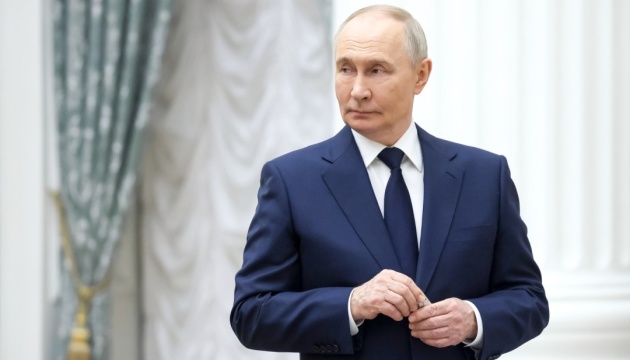
Kremlin rules out negotiations following Kerch Bridge strikes
Vladimir Putin has announced an end to attempts at an 'energy truce', promising harsher retaliatory strikes against Ukraine following damage to the Kerch Bridge.
 🩺Health
Beyond Dates: Fiber-Rich Foods for a Balanced Diet
Nutritionists highlight several accessible foods that significantly outperform dates in fiber content, aiding digestion and overall health.
 🛡️Security
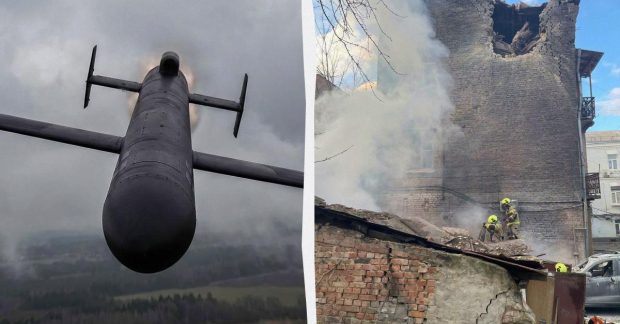
Russian drone attack on Kyiv: casualty reported, historical sites damaged
The Ukrainian capital suffered a massive drone strike, leading to casualties and damage to diplomatic missions.
 🚌Transport
Kyiv prepares for full restoration of traffic on key Dnieper bridges
Capital authorities are developing a plan to restore full connectivity between Kyiv's banks, assessing the condition of the Southern and Northern bridges following damage…